


推荐一款小众软件——RoundedTB。分段显示Windows任务栏。
基本选项使用 RoundedTB 的最简单方法是简单地输入边距和圆角半径。边距(Margin) – 控制从任务栏的每一侧删除多少像素,在它周围创建一个你可以看到和点击的边距。角半径(Corner Radius) – 调整任务栏角的圆度。
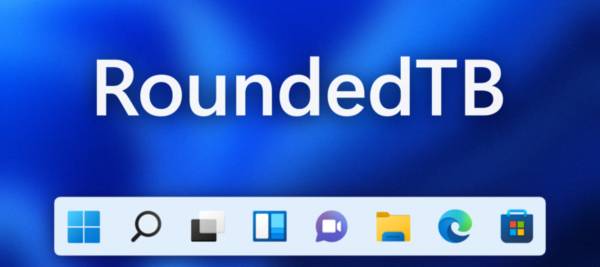
官网地址:https://github.com/torchgm/RoundedTB
附
件
下
载
件
下
载

Use this card to join us and particIPate in a pleasant discussion together .
Welcome to JISHUSONGSHU Group,wish you a nice day .
感谢您的来访,获取更多精彩文章请收藏本站。

© 版权声明
THE END

















暂无评论内容